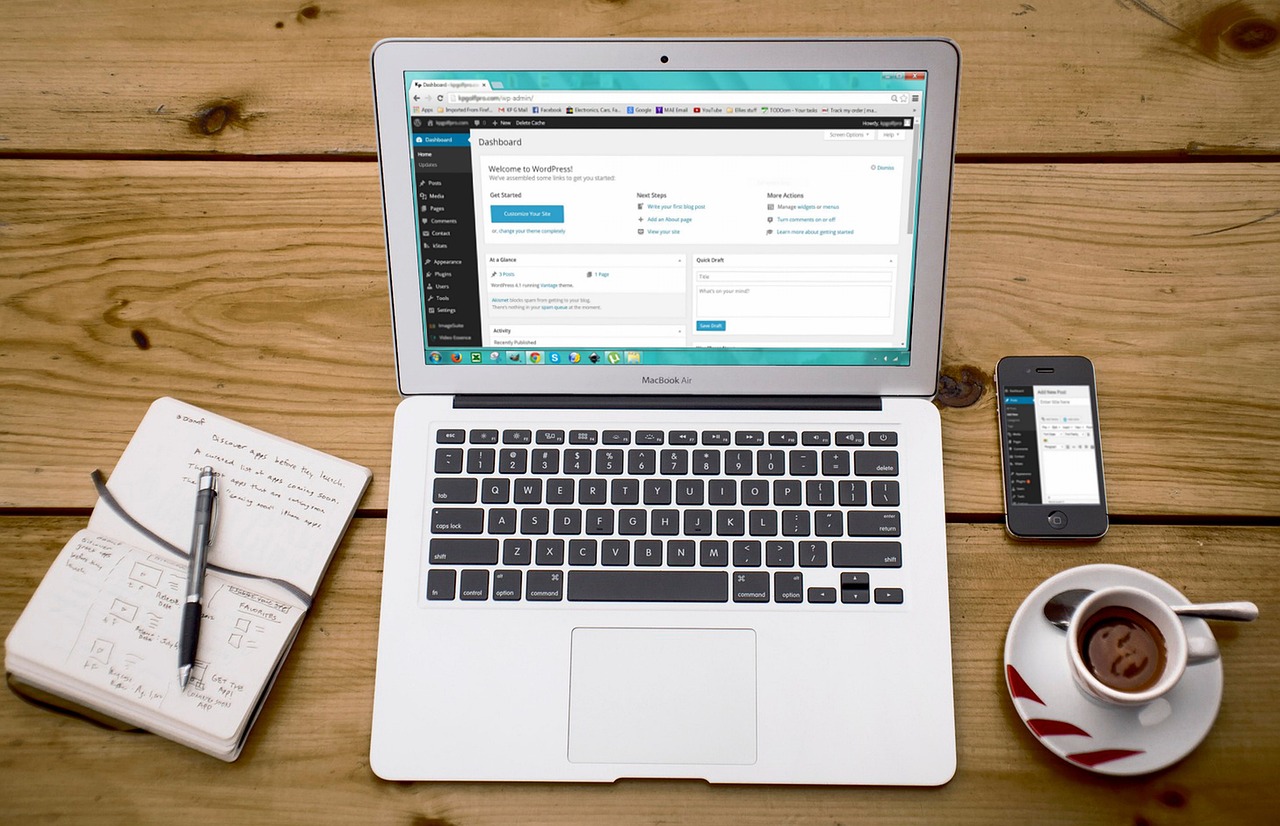
Starting an Author Website Before You Publish
Are you working on the first draft of your first novel? Maybe you’re getting ready to publish your series starter. Or you might be a published author looking to build your own platform. Our answer to the question of when you should have your own author’s page is always the same: Now.
We strongly recommend establishing yourself as an author ASAP. Before your first book is published, if possible. The reason is that you want to start building your online presence early. If you can grow even a small following before your first publication, you’re going to make more sales sooner.
But maybe you don’t have the time or budget to launch a custom website. That’s alright. There are still a few things you can do to make creating your author’s page easier when the time comes.
Contents:
- Securing your domain
- Linking your domain
- Building your author’s page
- Maintaining your author website
- Expanding your platform
Securing your domain name
The very first thing you need to do is to buy your domain name. Even if you’re nowhere near ready to start building your author’s page, secure your domain. You don’t need to pay for web hosting or a professional design at this point (we always recommend it, but if your budget doesn’t allow for that, don’t worry). Simply go to a domain registrar like GoDaddy or NameCheap and buy your site’s web address.
What should that URL be? We always recommend your first and last name or pen name. It’s the easiest way to find an author. For instance, you’ve got jamespatterson.com, brandonsanderson.com, judybloom.com, and so on. A dot-com extension is ideal because it’s the most common and most widely assumed.
Use the name you intend to write under, exactly as it appears on your books. If your publish under J.A. Smith, register jasmith.com, not johnadamsmith.com. Generally, we don’t advise using hyphens to separate the different parts of your name. There are exceptions, though. If you’re publishing under the name A.S. Swarovski, you might not want to risk someone reading asswarovski.com as Ass Warovski. Of course, if you run into a situation like that before publishing, you might want to consider choosing a different name.
(We’re working on a blog about choosing a marketable pen name. If that’s something you’re interested in, sign up for our mailing list so you’ll know as soon as it’s available.)
What to do if your domain name is already taken
Let’s say firstnamelastname.com isn’t available. You’ve got several viable options. This is one of the above-mentioned times when you could try firstname-lastname.com. You could also opt for a different domain extension, such as .me. We recommend avoiding other common extensions, such as .net or .org for your author’s page. These extensions are most commonly used for tech corporations and nonprofit organizations respectively, so it could lead to some confusion.
You could also try firstnamelastnameauthor or something similar, particularly if you share a name with someone famous. For instance, Maggie Smith (whose Substack says, “Not the dame, the other one,” uses maggiesmithpoet.com. Since her Wikipedia page is titled “Maggie Smith (poet),” that makes good sense.
What to do after you’ve got your author’s page domain name
As we said earlier, you don’t have to build your author website right away. It’s fine to leave your domain “parked,” or unattached to a website. But we don’t recommend it. Why? Because there’s no sense having a parked domain when it could be doing some work for you. You can attach your domain to any free web host provider and quickly create a single author’s page with some basic, web-safe information. It doesn’t need to be pretty, it just needs to exist.
You can also point your domain name at a Substack account. That will let you blog without worrying about website infrastructure at all. And, if your Substack becomes successful, you can use it as your author’s page in perpetuity.
So, with that said…
When should you build your author’s page?
If you’re working on your first publication, that’s when you should start working on your author website. One of the things prospective publishers will look at when considering your manuscript is what kind of following you have. This is true for small and large presses alike. If you plan to self-publish, then your book marketing will depend on your following.
We suggest building an author’s page as soon as you have social media accounts set up. That way you can start getting your domain name out there. Make sure you link back to your author website on all your accounts. Think of your domain name as your business card. You want to start leaving it everywhere.
What can you do on social media without a publication?
Of course, this begs the question of how to build a following without a published book. Consider…
- Posting updates about your writing and editing process
- Sharing images of your cover art concepts
- Quoting lines from your unpublished novel
- Discussing your favorite authors, books, and series
The ultimate goal is to establish your brand and writing persona, not just to sell your work directly. We’ll go over how you can build a following before getting published again in the future. So be sure to follow us on social media to stay up to date!
What to do with your author’s page once you have it
Your author website has a few jobs. It should be the first website fans find when they search your name. Not your Amazon page, not your Goodreads profile—your own website. The site you control should be the site people access first. That way, no matter what happens with your books on any given platform, you’ll still have a direct link to current and future fans.
But how do you outrank Amazon?
It’s not too difficult in this situation. All you need to do is optimize your website for your name or pen name. The title of your homepage should be your name. The meta data should include your name. The content should mention your name in the headings and paragraphs multiple times. As long as the name you publish under is relatively unique, it won’t take long for your website to be the top result.
In order to maintain good search rankings, you’ll want to update your author’s page a few times a year. Be sure to keep all information up to date and accurate. That means maintaining a list of your available works and linking to press releases. Aside from that, you don’t need to do much once your author website is live.
If you have a blog, you should make regular entries. Otherwise, you can rely on your social media accounts to maintain an online presence.
When you’re ready to expand your author’s page to a full platform
While that’s the minimum you need to do to maintain an active, functional author website, you can go beyond. Brandon Sanderson’s site (brandonsanderson.com) is the most current and comprehensive source for information about the writer and his work anywhere on the internet. Fans can see up-to-date progress on his current projects, find links to the latest news articles about him, and see all of his works in various editions. Clearly, you won’t have quite as much press to share as one of the world’s most popular and prolific fantasy writers when you’re just starting out. But you can still offer exclusive information. And, as your following grows, you can follow in Sanderson’s footsteps.
Turning your starter author’s page into a full-fledged online platform is easy. As long as you’ve got a solid foundation, you can add widgets (such as your own progress meters) and pages (such as News or Events pages). Of course, when you have a good budget, you can also choose to completely overhaul your old author’s page.
For more information on how to build and build out your author website, check out the following blogs:

WordPress for Authors: Build a High-Converting Site
As an author, you need direct access to your audience. So, is WordPress right for your author site? Read on to find out.
What to Include in Your Author Site
Are you ready to put your book and brand on the internet? We’ve got a list of nine things you author website should include.
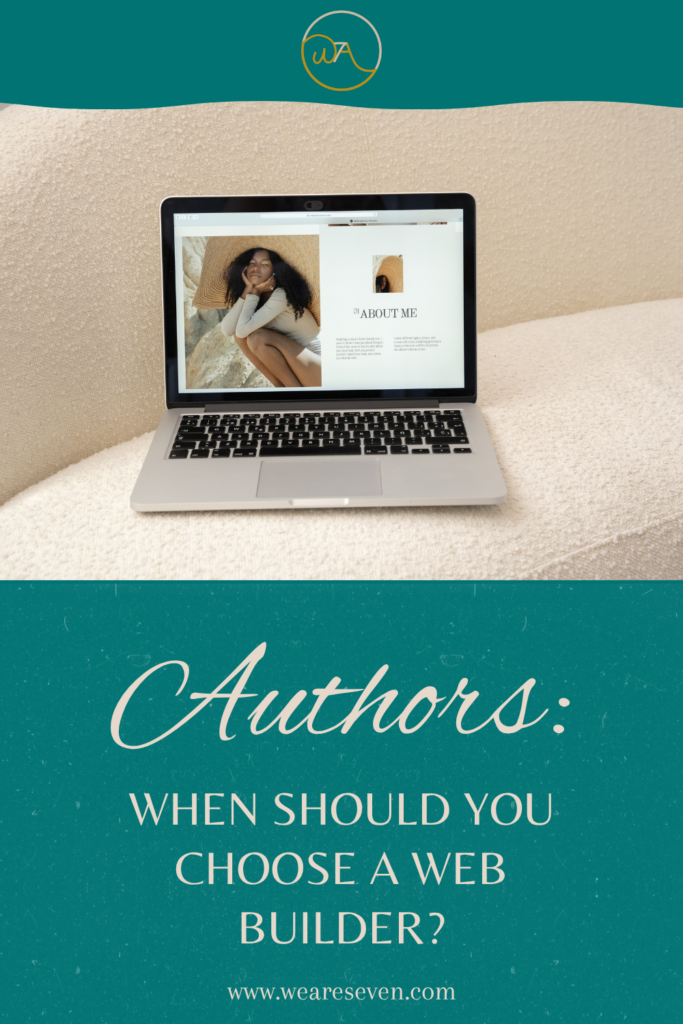
Or, if you’re looking for more information on starting with a simple author page, read, Authors: When Should You Choose a Free Web Builder?
Ready to get started?
If you’re in a position to buy your domain name and web hosting together, we recommend HostGator. This is the web hosting company that we use for this website as well as our clients’ sites. We’ve worked with a range of other providers, from free to very pricey, and HostGator is our preferred web hosting service to this day.
We hope this has helped you get a better sense of why it’s important to set up an author’s page as early as possible. What are your thoughts on our advice? Do you have any experiences you’d like to share with fledgling writers? Leave your comments below!
This post was written by a human for We Are Seven without any input from generative AI. For more information, please contact us.